How to convert a PDF to Word and keep the formatting
 PDFBrio team
Updated Nov 17, 20263 min read
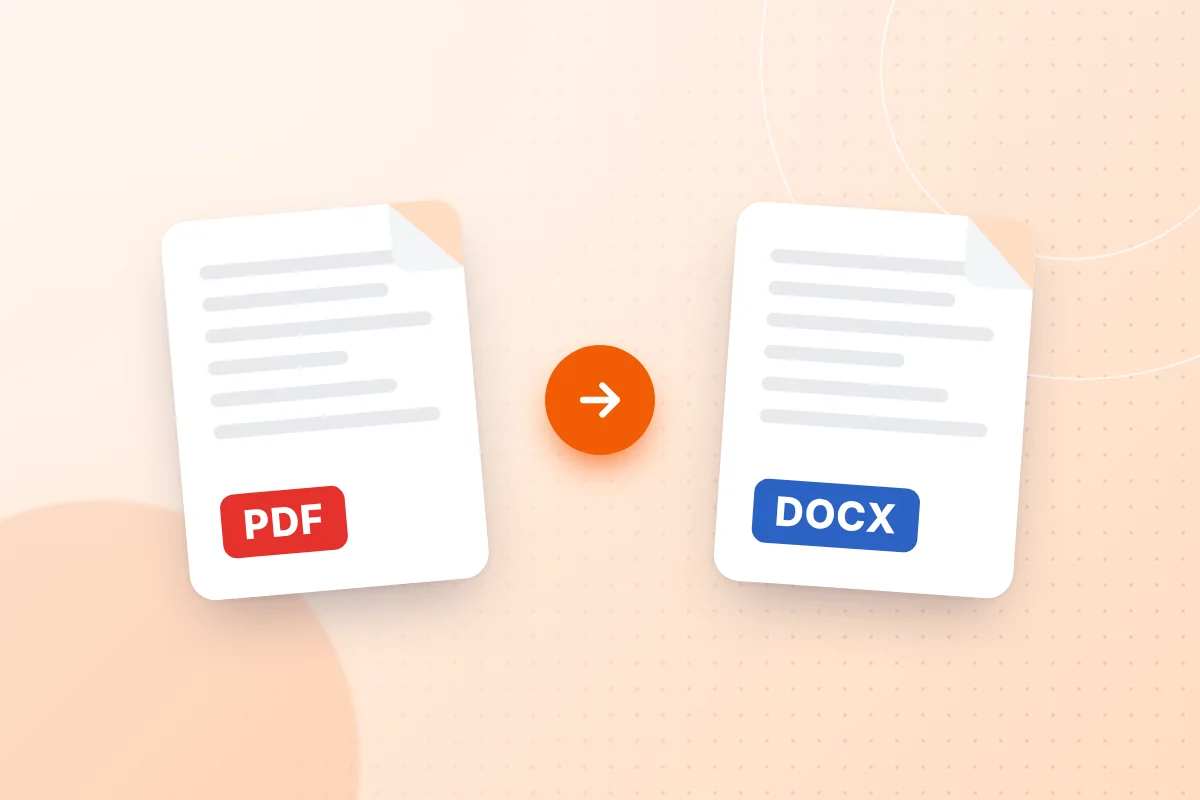
Upload the PDF to PDF to Word and download an editable .docx with text, headings and images carried over. Scanned PDFs need OCR first; complex layouts are approximated.
In this article
A PDF is perfect for sharing a finished document and terrible for rewriting it. When you need to change more than a line or two — update a contract, reuse a report, edit a CV — converting to Word is the practical route.
How to convert PDF to Word with PDFBrio
- Open PDF to Word and drop your file on the page.
- Press PDF to Word.
- Download the
.docxfile and open it in Word, Google Docs, Pages or LibreOffice.
What converts well — and what does not
| Content | Result |
|---|---|
| Paragraphs, headings, lists | Converts well |
| Images | Carried over |
| Simple tables | Usually good |
| Multi-column layouts, magazines | Approximated; may need tidying |
| Scanned pages | No editable text until you run OCR |
| Unusual fonts | Replaced by similar ones if not installed |
PDF stores where each piece of text sits on the page, not how a document was structured. A converter has to guess paragraphs, columns and tables from positions. For letters, reports and contracts the guess is good; for brochures it takes some clean-up.
Converting a scanned PDF
If you cannot select text in your PDF, it is a scan — a picture of a page. Run it through OCR PDF first to add a text layer, then convert the OCR'd file to Word. Read our guide to scanned vs. searchable PDFs for the background.
Do you even need Word?
For small changes — a date, a name, a figure — editing the PDF directly is faster and keeps the layout perfect. Use Edit text in the PDF editor. Convert to Word when you are rewriting paragraphs or reusing the content elsewhere.
Converting without uploading
- Microsoft Word: File → Open and choose the PDF. Word converts it into an editable document, with similar strengths and weaknesses.
- Google Docs: upload the PDF to Google Drive, right-click it and choose Open with → Google Docs. Text comes across well; layout and images often less so.
Going back to PDF
When you have finished editing, turn the document back into a PDF with Word to PDF, or use File → Save As → PDF in Word.
Frequently asked questions
Is the converted file editable in Google Docs?
Yes. Upload the .docx to Google Drive and open it with Google Docs.
Why does my Word file look slightly different?
Fonts that are not on your computer are replaced, and complex layouts are rebuilt with Word's own paragraphs and tables. Check line breaks and page breaks before sending.
What does it cost?
Uploading and editing are open to everyone. Downloading the result needs PDFBrio Pro: 7 days free, then $49.99 every 30 days until you cancel. Cancel during the trial and you pay nothing.