How to convert a PDF to Excel (tables to spreadsheet)
 PDFBrio team
Updated Nov 17, 20262 min read
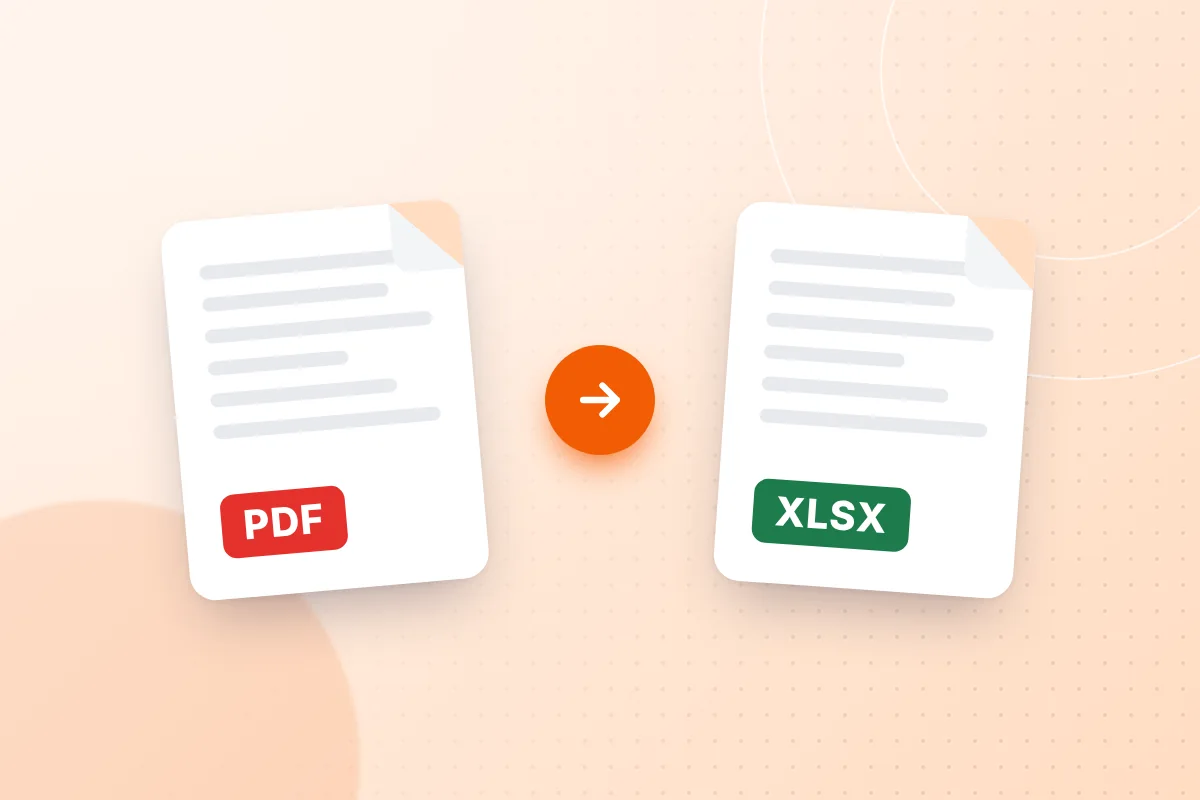
PDF to Excel pulls the tables out of a PDF into an .xlsx you can sort, filter and calculate with. Works best on PDFs exported from software; scans need OCR first.
In this article
Bank statements, price lists, financial reports and exported invoices are full of tables — locked in a PDF where you cannot add them up. Retyping them is slow and error-prone. Converting gets the numbers into a spreadsheet in seconds.
How to convert PDF to Excel with PDFBrio
- Open PDF to Excel and drop your file on the page.
- Press PDF to Excel.
- Download the
.xlsxfile and open it in Excel, Google Sheets or Numbers.
Getting a clean spreadsheet
After converting, a few minutes of tidying usually pays off:
- Check number formats. Amounts like
1.234,56(European) or(450.00)(accounting negatives) may arrive as text. Use Excel's Data → Text to Columns or Find & Replace to convert them. - Remove repeated headers. Multi-page tables often repeat their header on every page.
- Merge split rows. A long description that wrapped onto two lines in the PDF can become two rows.
- Spot-check totals. Add up a column and compare it with the total printed in the PDF.
What works best
Tables in PDFs exported from accounting software, banking portals or Excel itself convert most reliably, because the text is real text. Scanned statements need OCR PDF first, and even then handwritten or faint figures should be checked by eye.
Converting without uploading
- Excel (Microsoft 365, Windows): Data → Get Data → From File → From PDF lets you pick tables from a PDF.
- Copy and paste: for a single small table, selecting it in a PDF viewer and pasting into a spreadsheet sometimes works — often each row lands in a single cell.
Going the other way
Need to send a spreadsheet as a document that cannot be edited? Excel to PDF converts each sheet to PDF pages.
Frequently asked questions
Will formulas be recreated?
No. A PDF only contains the printed values; you get numbers, not formulas.
Can I convert just one page?
Remove the pages you do not need with Extract pages first, then convert.
Is my bank statement safe?
Files are processed on our own servers and deleted automatically after two hours. You can delete them immediately from the result screen.