How to convert PDF pages to JPG images
 PDFBrio team
Updated Nov 17, 20262 min read
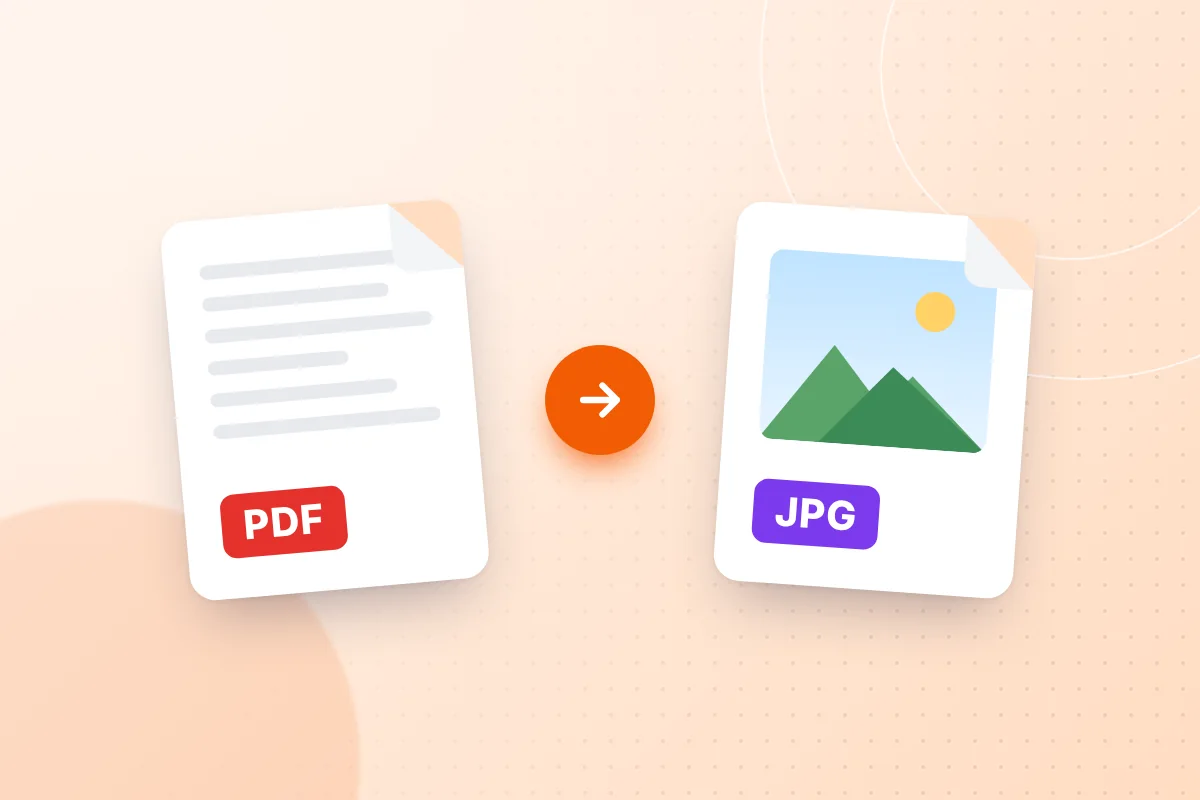
PDF to JPG saves each page — or only the pages you pick — as a JPG at 96, 150 or 300 dpi. Use it to post a page on social media, paste it into a chat or add it to a presentation.
In this article
PDFs are great for documents and awkward almost everywhere else. Social networks, chat apps, website builders and many upload forms want an image. Converting a page to JPG solves that.
How to convert PDF to JPG with PDFBrio
- Open PDF to JPG and drop your file on the page.
- Choose a Resolution:
- 96 dpi — screen for messages and web pages,
- 150 dpi — standard for most uses,
- 300 dpi — print if the image will be printed.
- Optional: under Pages, enter the pages you want, such as
1, 3-4. Leave it empty for all pages. - Press PDF to JPG.
- Download each image, or all of them at once as a ZIP.
JPG, PNG or WebP?
| Format | Best for |
|---|---|
| JPG | Pages with photos; smallest files for photo-heavy content |
| PNG | Text, diagrams, screenshots — sharper edges, no compression artefacts |
| WebP | Websites — small files with good quality |
For a page that is mostly text, PDF to PNG gives crisper letters. For a website, try PDF to WebP.
Which resolution?
A 150 dpi A4 page is about 1240 × 1754 pixels — sharp on a phone and laptop screen. 300 dpi doubles each side and quadruples the file size; use it only for printing or zooming into fine detail.
Converting a page to an image without uploading
- Mac (Preview): open the PDF, select a page and choose File → Export, then pick JPEG and a resolution.
- Windows: use the Snipping Tool (Win+Shift+S) to capture what is on screen. Quick, but the resolution is limited to your display.
- Phone: a screenshot does the same job, at screen resolution.
Going the other way
To turn photos or scans back into a PDF, use JPG to PDF.
Frequently asked questions
Can I convert only one page?
Yes. Enter its number under Pages.
Why does my JPG look blurry?
The resolution is too low for the size it is being displayed at. Convert again at 150 or 300 dpi.
Can I convert a password-protected PDF?
Unlock it first with Unlock PDF, using the password.