How to convert a PDF to PowerPoint slides
 PDFBrio team
Updated Nov 17, 20262 min read
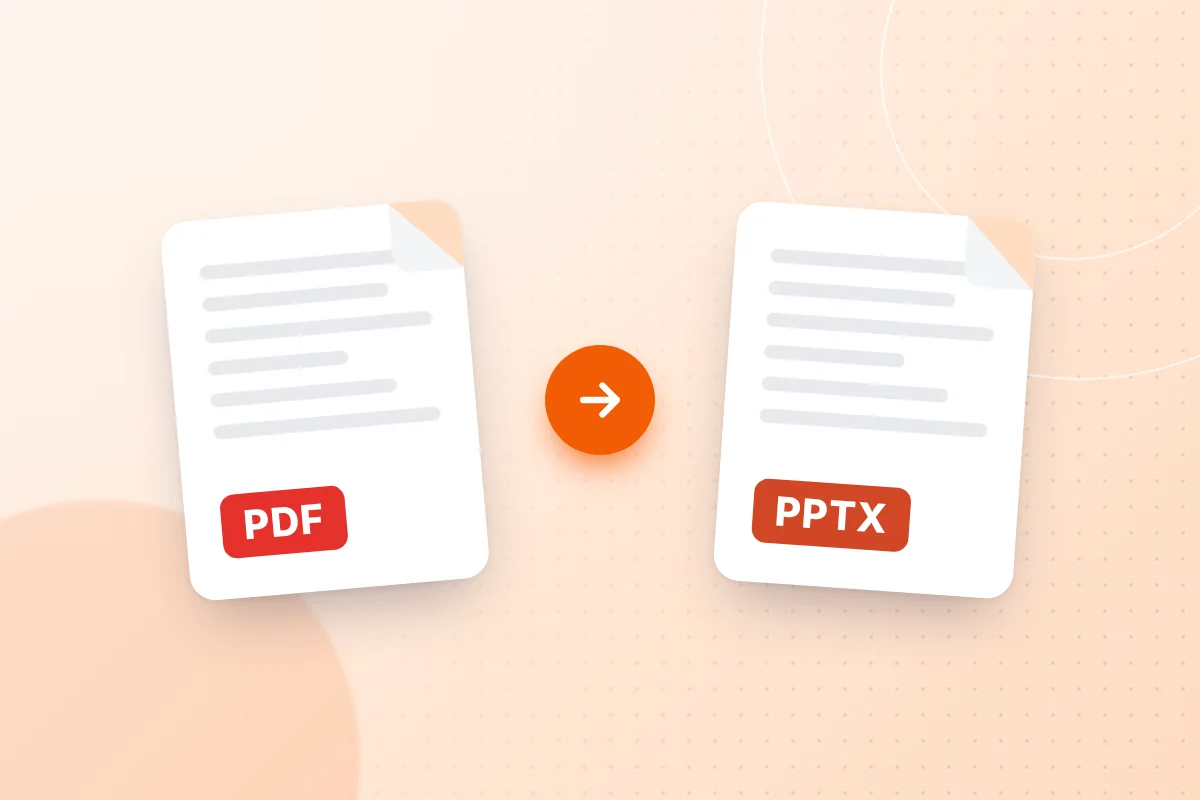
PDF to PowerPoint turns each PDF page into a slide you can open in PowerPoint, Keynote or Google Slides. Handy when the original deck is lost and you only have the PDF.
In this article
Someone sent you their deck as a PDF, and now you need to present it, reuse three slides or update last quarter's numbers. Converting the PDF back to PowerPoint gives you something you can work with.
How to convert PDF to PowerPoint with PDFBrio
- Open PDF to PowerPoint and drop the PDF on the page.
- Press PDF to PowerPoint.
- Download the
.pptxfile and open it in PowerPoint, Keynote or Google Slides.
Each page of the PDF becomes one slide.
What to expect
A PDF does not remember which parts were text boxes, shapes or images — it only records where things are drawn. The converter rebuilds slides from that, so:
- Text comes across as editable text boxes where the PDF contains real text.
- Images and backgrounds are carried over as pictures.
- Animations, transitions and speaker notes are not stored in a PDF, so they cannot come back.
- Charts become drawings or images, not editable charts.
For a deck you will present as-is, that is plenty. For heavy rework, plan to rebuild a few slides.
Just presenting? You may not need to convert
Every PDF viewer has a full-screen mode, and PowerPoint, Keynote and Google Slides can all present a PDF imported as images. If you only need to show the slides, skip conversion and present the PDF full screen.
Taking a few slides out as images
To drop one or two slides into a document or chat, PDF to JPG or PDF to PNG turns pages into pictures — PNG keeps text crisper.
Going back to PDF
When your edits are done, send the deck as a PDF again with PowerPoint to PDF, so fonts and layout look the same on every screen.
Frequently asked questions
Can I convert a scanned PDF to PowerPoint?
Yes, but each slide will be a picture of the page with no editable text. Run OCR first if you need the text.
Does it work with Google Slides?
Yes. Upload the .pptx to Google Drive and open it with Google Slides.
Will my fonts be kept?
If the fonts are installed on your computer, yes. Otherwise PowerPoint substitutes similar ones.