Scanned PDF or searchable PDF — what is the difference?
 PDFBrio team
Updated Nov 3, 20262 min read
Two files can look identical on screen and behave completely differently. Here is why you cannot copy text from a scan, and how OCR fixes it.
In this article
Open two PDFs of the same letter. They look the same. In one you can search for a name and copy a paragraph. In the other, nothing can be selected at all. The second one is a scan.
A scan is a photograph
A scanner or phone camera takes a picture of the page. The PDF simply wraps that picture. To a computer there are no letters in it — only pixels that happen to look like letters to you.
That is why, with a scan:
- search finds nothing,
- copy and paste does not work,
- "PDF to Word" or "PDF to text" produces an empty file,
- screen readers have nothing to read out.
What OCR does
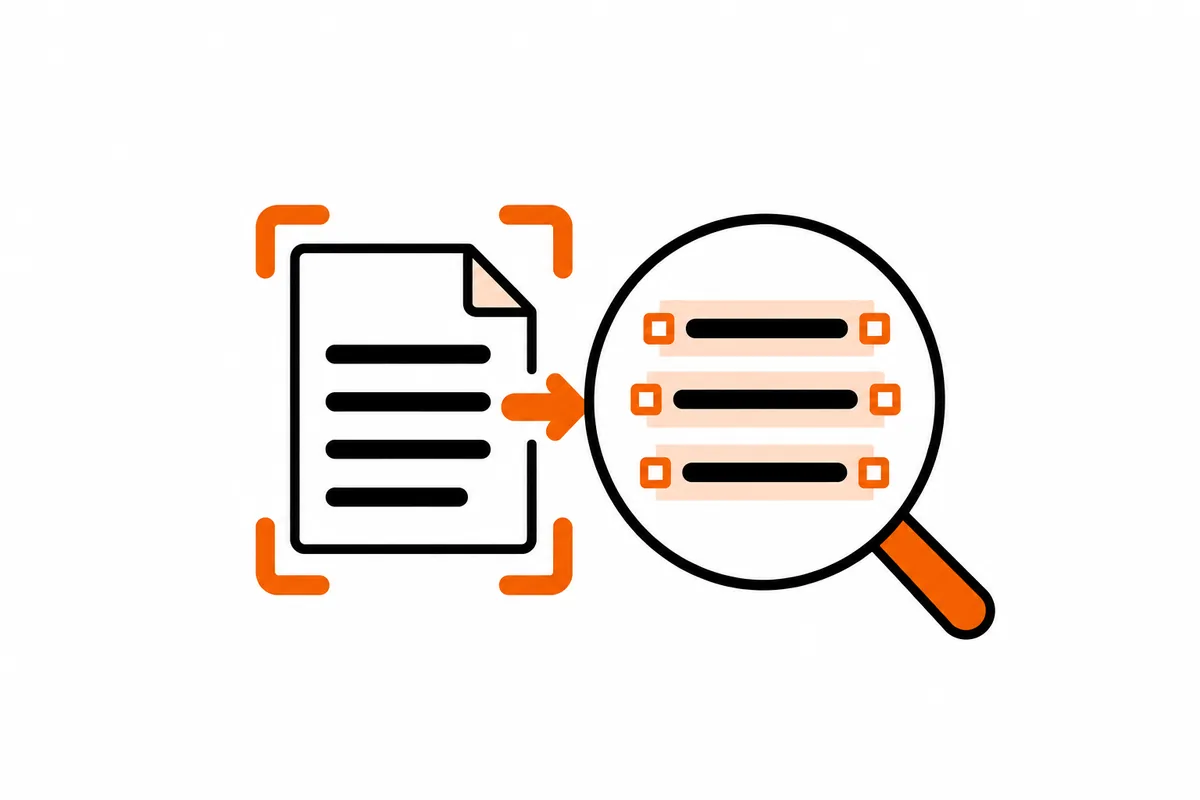
OCR (optical character recognition) looks at the picture, works out which letters are there, and writes them into the file as an invisible layer sitting exactly behind the image. The page looks unchanged, but now the words are real.
After OCR you can search, select, copy, convert to Word and translate the document.
Getting good results
- Tell it the language. Recognition is much more accurate when it knows whether it is reading German or Polish.
- Straight and sharp beats high resolution. A flat, evenly lit page at normal scanner settings is better than a skewed, shadowed photo with twice the pixels.
- Check numbers. OCR is very good with ordinary prose and weaker with small print, stamps and handwriting. Always re-read amounts, dates and account numbers against the original.