How to make a scanned PDF searchable with OCR
 PDFBrio team
Updated Nov 17, 20262 min read

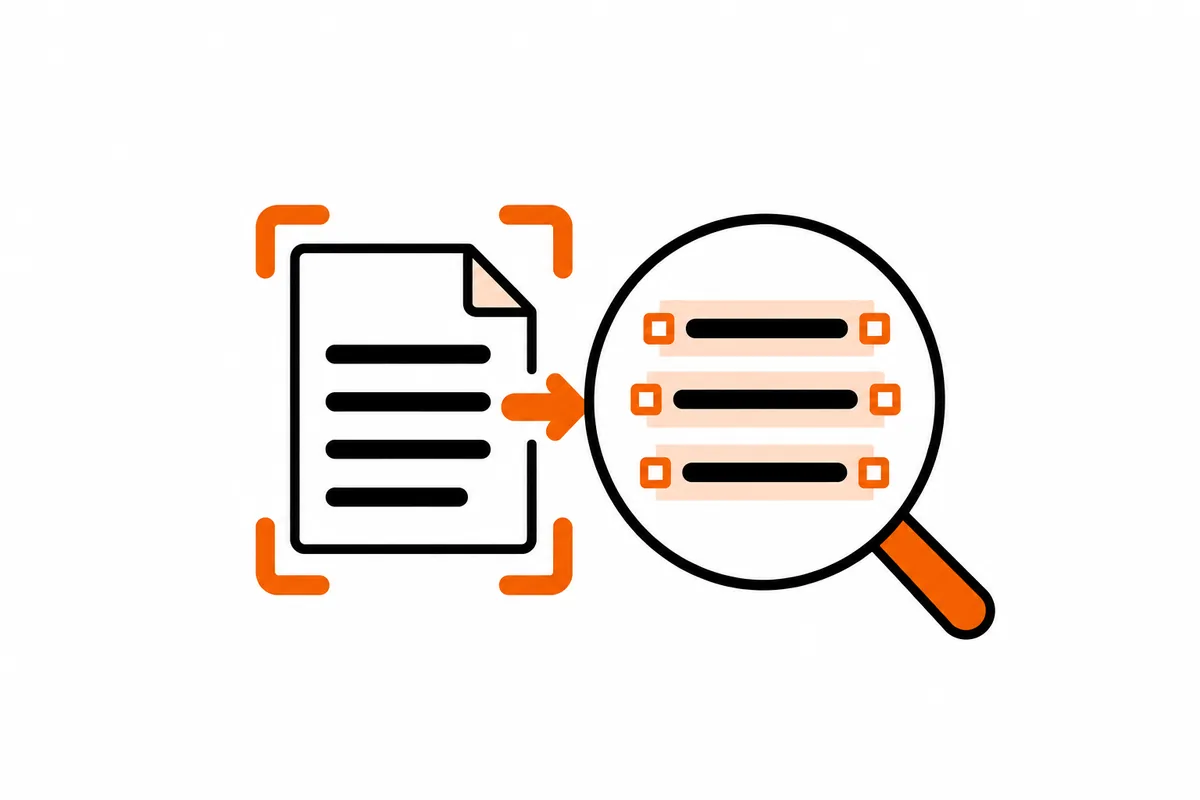
OCR PDF reads the text in your scan and adds it as an invisible layer behind each page. The document looks the same, but you can search, select and copy the text — and convert it to Word.
In this article
You press Ctrl+F in a scanned contract and nothing is found. You try to copy a paragraph and select the whole page as a picture. That is because a scan is a picture. Optical character recognition (OCR) turns the picture of text into real text.
How to OCR a PDF with PDFBrio
- Open OCR PDF and drop your scanned PDF on the page.
- Choose the Document language — the right language makes a big difference to accuracy.
- Under Also give me, choose Just the searchable PDF or PDF + plain text file if you want the text separately as well.
- Press OCR PDF and download the result.
The pages look exactly as before. Behind each one there is now an invisible text layer, so search, selection, copying and screen readers all work.
Getting the best accuracy
- Scan at 300 dpi. Lower resolutions blur small letters; higher ones mostly add size.
- Straight, well-lit pages. Tilted or shadowed phone photos reduce accuracy. Clean them up with Enhance image before making the PDF.
- Pick the right language. Accents, umlauts and special characters are only recognised correctly with the matching language.
- Expect to proofread names, numbers and anything handwritten. Printed text is recognised very reliably; handwriting is not.
What you can do after OCR
- Edit the text — convert the searchable PDF with PDF to Word.
- Pull out tables — use PDF to Excel.
- Summarise or translate — AI PDF summarizer and Translate PDF work much better on text than on pictures.
For more background, read scanned PDF or searchable PDF — what is the difference?
Text from a single photo
If you only need the words from a photo or screenshot — not a PDF — Image to text gives you the text directly. See how to extract text from an image.
OCR on your devices
- iPhone, iPad and Mac: Live Text lets you select text in photos and many images directly.
- Google Drive: opening a scanned PDF with Google Docs runs OCR and gives you an editable document, without the original layout.
Frequently asked questions
Is there a page limit?
Documents of up to 300 pages can be processed in one go.
Does OCR change how my PDF looks?
No. The page images stay the same; the text layer is invisible.
Can it read handwriting?
Neat block capitals sometimes work; cursive handwriting generally does not.