How to transcribe audio and video to text
 PDFBrio team
Updated Nov 17, 20262 min read
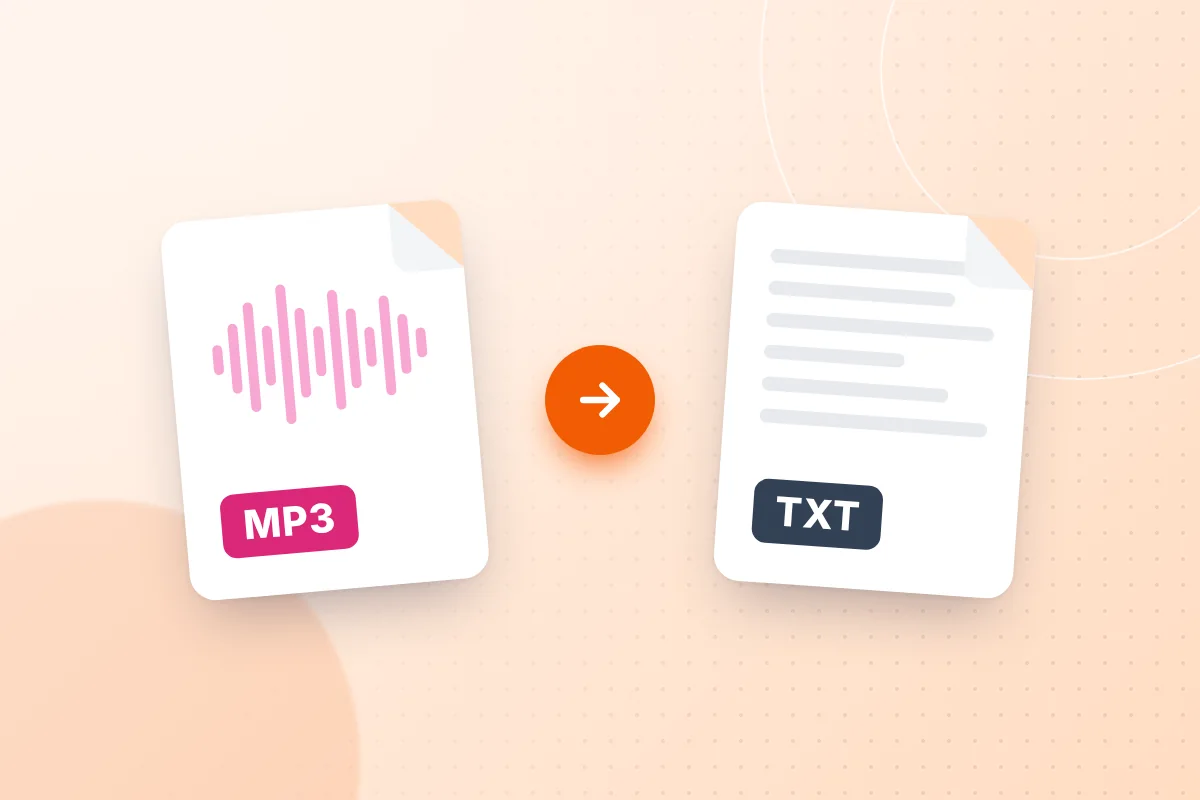
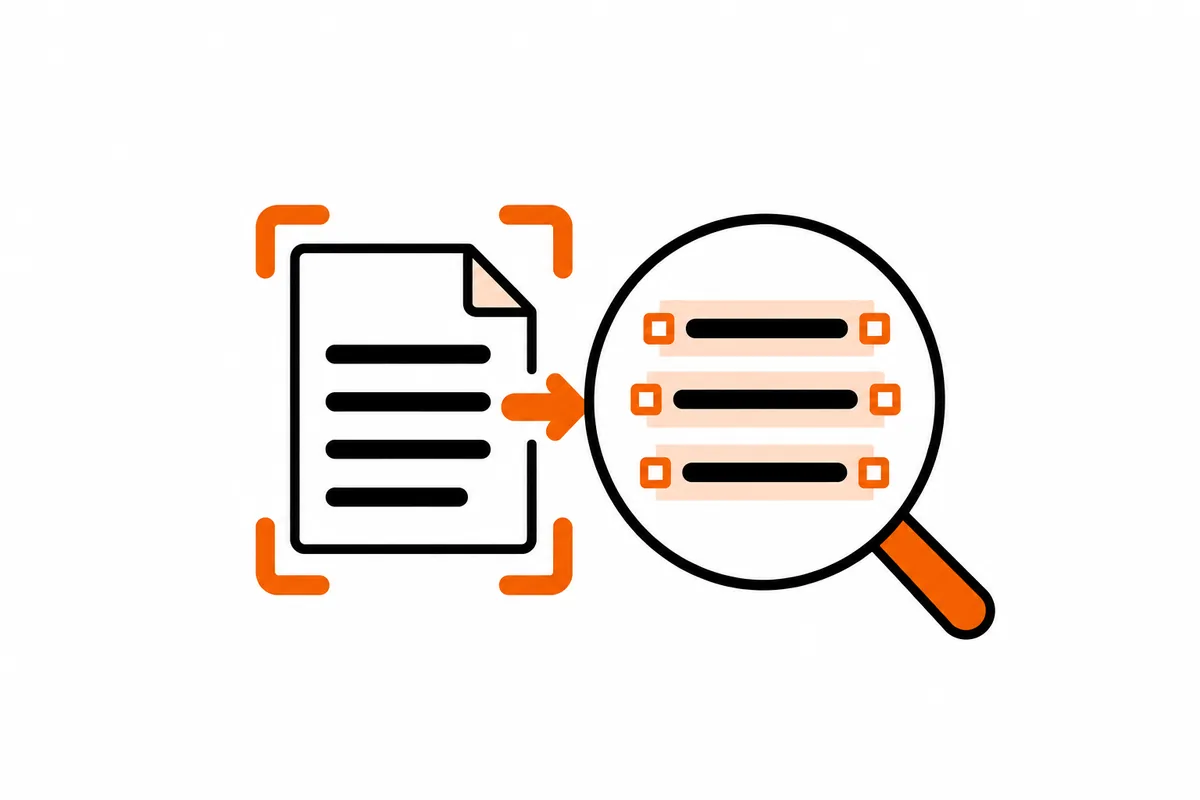
Audio to text turns recordings of meetings, interviews, lectures and voice notes into timestamped text, or SRT and VTT subtitle files. Video to text does the same for video files.
In this article
Listening back to a one-hour interview to find one quote takes an hour. Searching a transcript takes seconds. Automatic transcription makes recordings searchable, quotable and accessible.
How to transcribe audio with PDFBrio
- Open Audio to text and drop your recording on the page — MP3, WAV, M4A, FLAC, OGG, AAC, Opus and WMA are accepted.
- Choose the Spoken language, or leave it on Detect automatically.
- Press Audio to text.
- Download the results: a timestamped text transcript plus SRT and VTT subtitle files — you get all three.
For a video file — a recorded call, a lecture, a YouTube upload of your own — use Video to text and skip the conversion step.
Transcripts or subtitles?
| You want… | Download |
|---|---|
| Notes, quotes, searchable text | Text with timestamps |
| Captions for a video player or YouTube | SRT |
| Captions for a web page video | VTT |
Getting an accurate transcript
- Record close to the speaker. A phone on the table beats a laptop microphone across the room.
- Reduce background noise. Cafés, air conditioning and echoey rooms all cost accuracy.
- One person at a time. Overlapping speech is the hardest thing to transcribe.
- Set the language if the recording is not in English — automatic detection works, but naming the language is more reliable for short clips.
- Proofread names and numbers. These are where automatic transcripts most often slip.
From transcript to finished document
- Turn the transcript into a clean PDF with Create PDF.
- Long meeting? Save the text as a document and get the key points with the AI PDF summarizer.
Privacy and consent
Recording laws differ between countries and situations. Make sure the people you recorded agreed to it, especially before sharing a transcript. Your files are processed on our servers and deleted automatically after two hours.
Frequently asked questions
How long can the recording be?
Long recordings work; processing time grows with length.
Does it separate speakers?
The transcript is a single stream of timestamped text; speakers are not labelled.
Which languages are supported?
English and many other major languages, including Spanish, German, French, Italian, Portuguese and Dutch.