PDF or Word — which format should you send?
 PDFBrio team
Updated Nov 17, 20263 min read
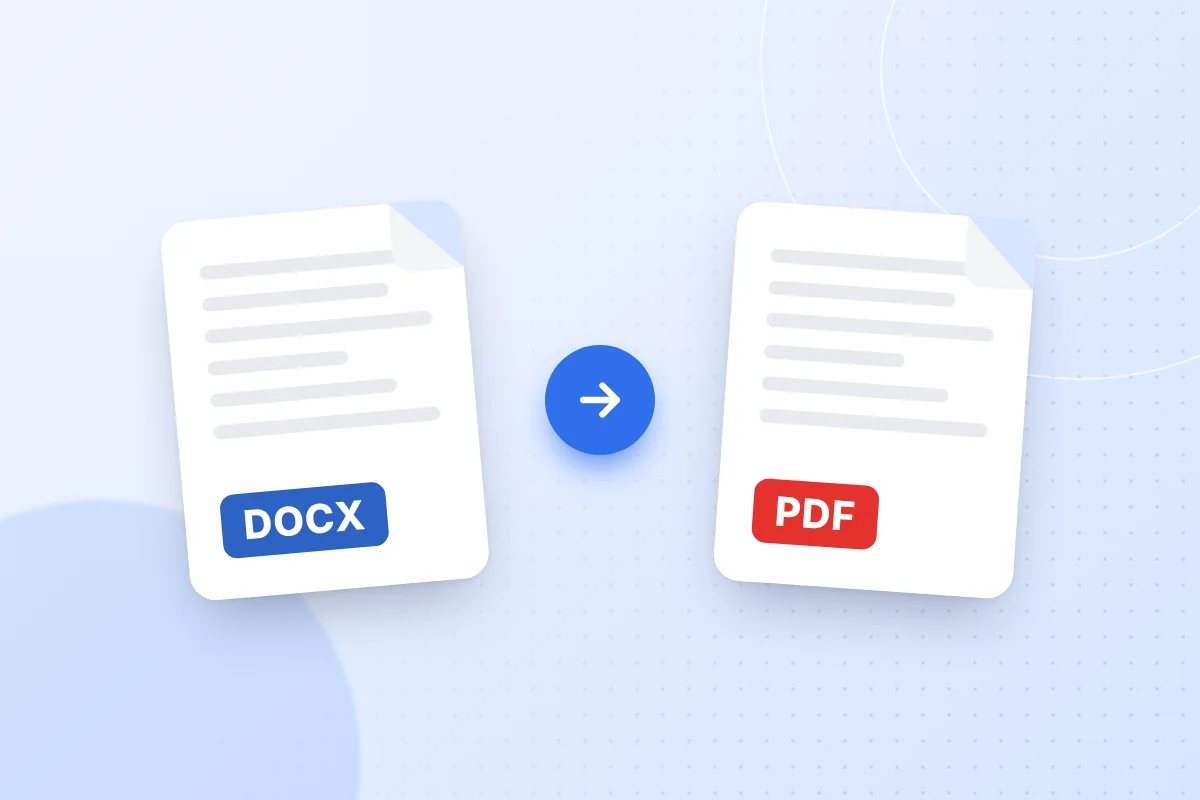
Send a PDF when the document is finished and must look the same for everyone. Send Word when the recipient needs to edit it. Here is how to decide, with examples.
In this article
"Can you send it as a PDF?" — "Can you send me the Word version?" Both requests are common, and both have good reasons. The right format depends on what the other person will do with the document.
The short answer
| Send a PDF when… | Send Word when… |
|---|---|
| The document is final | The recipient needs to edit it |
| Layout must look exactly right | You are collaborating on a draft |
| It will be printed or archived | They will reuse the text elsewhere |
| It contains a signature | Track changes or comments are needed |
| You are applying for a job (unless told otherwise) | The recruiter's system asks for .docx |
Why PDF is the default for finished documents
- It looks the same everywhere. Fonts, line breaks and images do not move, whatever device opens it.
- Nobody needs Word. Every computer, phone and browser opens PDFs.
- It is harder to change by accident. A reader cannot nudge a table out of place.
- It hides your drafting history. Tracked changes and comments in a Word file can reveal more than you intend.
When Word is the better choice
- Drafts and collaboration. Comments and tracked changes are Word's strengths.
- Templates and forms someone else will complete.
- Systems that parse text. Some applicant tracking systems and publishing workflows prefer
.docx. If a job ad asks for Word, send Word.
Sending both
For contracts and proposals, a common pattern is to send the PDF for reading and signing, plus the Word file on request for the other side's lawyers or editors.
Converting in either direction
- Word → PDF: Word to PDF, or File → Save As → PDF in Word.
- PDF → Word: PDF to Word. See how to convert a PDF to Word for what to expect.
Before you hit send
- Check the file name.
Proposal_Acme_2026-11.pdfbeatsDocument1 final FINAL.pdf. - Remove hidden data. Accept tracked changes, delete comments and clean document properties — Remove metadata does the last part for PDFs.
- Check the size. If it is over 10 MB, compress it.
- Protect sensitive files with a password.
Frequently asked questions
Can a PDF be edited?
Yes, with a PDF editor — but it is designed for finished documents. Small changes are easy in our PDF editor; big rewrites are easier in Word.
Is PDF better for CVs?
Usually yes, because the layout stays intact. Follow the employer's instructions if they ask for a specific format.
Which is smaller?
It depends on the content. Text documents are small in both; documents with photos are often smaller as PDF after compression.