How to convert JPG images to a PDF
 PDFBrio team
Updated Nov 17, 20262 min read
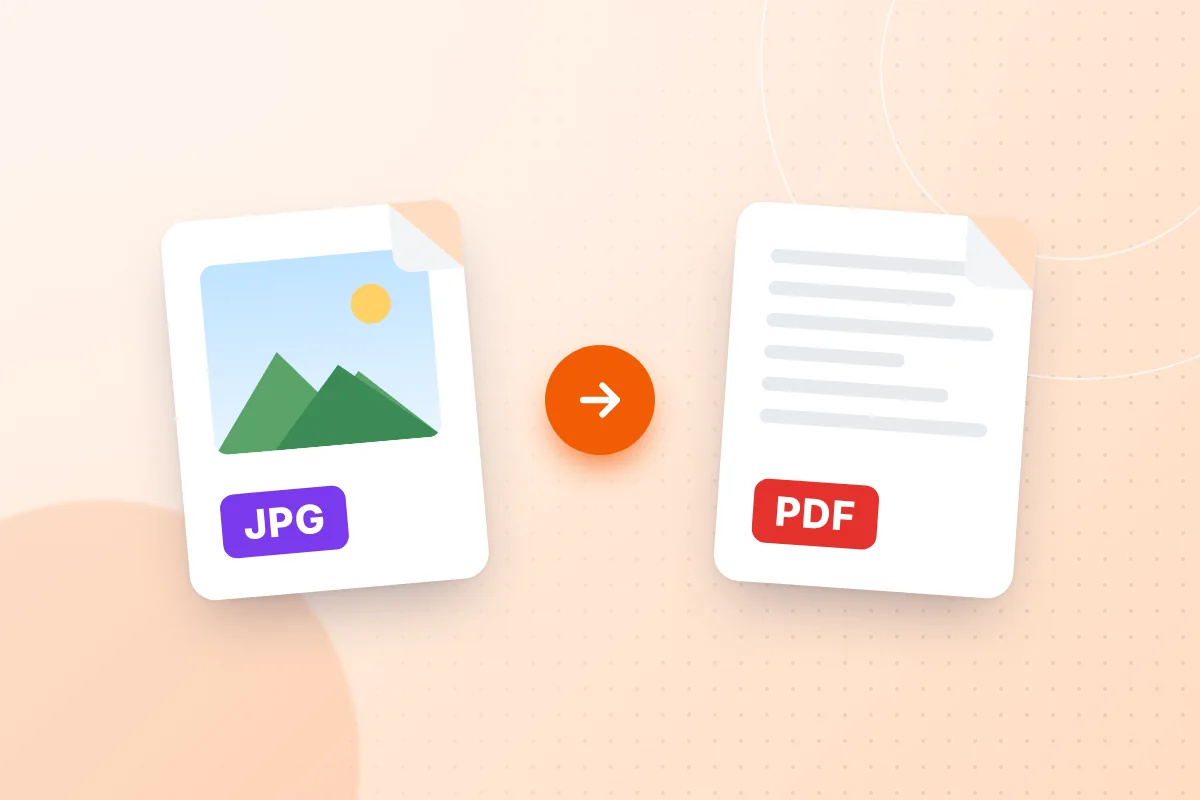
Drop your photos or scans into JPG to PDF, drag them into order, choose a page size and download one PDF with one image per page. Works for PNG, HEIC and other formats with Image to PDF.
In this article
Photos of receipts for an expense claim, phone snaps of a signed contract, scans of an ID for a rental application — they all need to arrive as one tidy PDF rather than twelve separate attachments.
How to convert JPG to PDF with PDFBrio
- Open JPG to PDF and drop your images on the page.
- Drag the files into the order the pages should appear.
- Choose a Page size:
- Same as the image — each page is exactly the size of its photo.
- A4 or US Letter — every page is a standard size, ready to print.
- Optional: add a Margin in millimetres for a white border around each image.
- Press JPG to PDF and download your PDF.
PNG, HEIC, WebP and other formats
JPG to PDF accepts .jpg, .jpeg and .jfif. For a mix of formats — iPhone HEIC photos, PNG screenshots, WebP images from the web — use Image to PDF, which accepts all of them in one go.
Getting a cleaner PDF from phone photos
- Shoot straight on, in good light, with the page filling the frame.
- Clean up first. Enhance image sharpens text, evens out shadows and boosts contrast on photos of documents.
- Make it searchable. After converting, run the PDF through OCR PDF so the text can be searched and copied.
- Keep it small. A dozen phone photos can make a large PDF; Compress PDF brings it down for email.
Our guide on scanning documents with your phone walks through the whole process.
Converting on a Mac, iPhone or Windows
- Mac (Preview): select the images in Finder, open them in Preview, select all thumbnails and choose File → Print → PDF → Save as PDF.
- iPhone and iPad: save the photos to the Files app, select them, touch and hold and choose Create PDF.
- Windows: select the images, right-click, choose Print and pick Microsoft Print to PDF.
Frequently asked questions
Can I put several photos on one page?
Each image becomes its own page. To combine images on a page, first join them with Merge images, then convert.
Is there a limit on the number of images?
Up to 30 files at once.
Will my photos lose quality?
No. Images are placed into the PDF at full resolution, without lossy re-compression.