How to convert PowerPoint to PDF for sharing and printing
 PDFBrio team
Updated Nov 17, 20262 min read
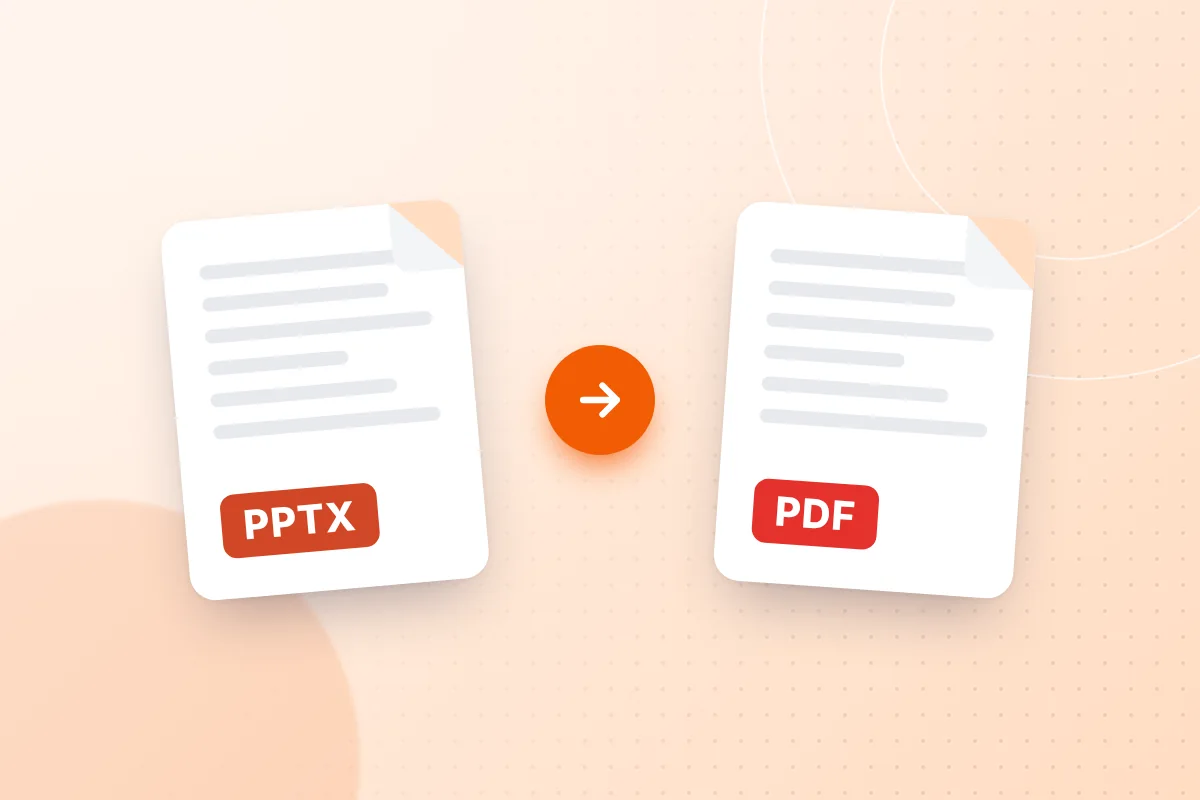
PowerPoint to PDF turns each slide into a PDF page with fonts and images intact — the safest way to send a deck that should look exactly as you designed it.
In this article
A presentation that looked perfect on your laptop can fall apart on someone else's: missing fonts, shifted text boxes, videos that will not play. Sending the deck as a PDF guarantees everyone sees the same slides.
How to convert PowerPoint to PDF with PDFBrio
- Open PowerPoint to PDF and drop one or more
.pptx,.pptor.odpfiles on the page. - Press PowerPoint to PDF.
- Download the PDFs — one slide per page.
What carries over and what does not
| Element | In the PDF |
|---|---|
| Text, shapes, images | Kept exactly |
| Fonts | Embedded, so they look the same everywhere |
| Hyperlinks | Kept |
| Animations and transitions | Not possible in PDF — the final state of each slide is shown |
| Embedded video and audio | Not included |
| Speaker notes | Not included |
If your slides rely on animations to reveal content step by step, check that the final state of each slide makes sense on its own.
Making the PDF smaller
Decks with full-screen photos can produce large PDFs. Run the result through Compress PDF — Balanced is usually invisible on screen.
Converting from PowerPoint, Keynote or Google Slides
- PowerPoint: File → Save As → PDF or File → Export → Create PDF/XPS. Under Options you can include notes pages or print several slides per page.
- Keynote: File → Export To → PDF.
- Google Slides: File → Download → PDF Document.
Frequently asked questions
Can I put several slides on one page?
Our converter produces one slide per page. For handouts, use PowerPoint's export options.
Can I turn the PDF back into slides?
Yes, with PDF to PowerPoint. Text and images come back; animations do not.
Can I convert several decks at once?
Yes. Drop them all in and download a ZIP.