How to convert MP4 to MP3 (extract audio from a video)
 PDFBrio team
Updated Nov 17, 20262 min read
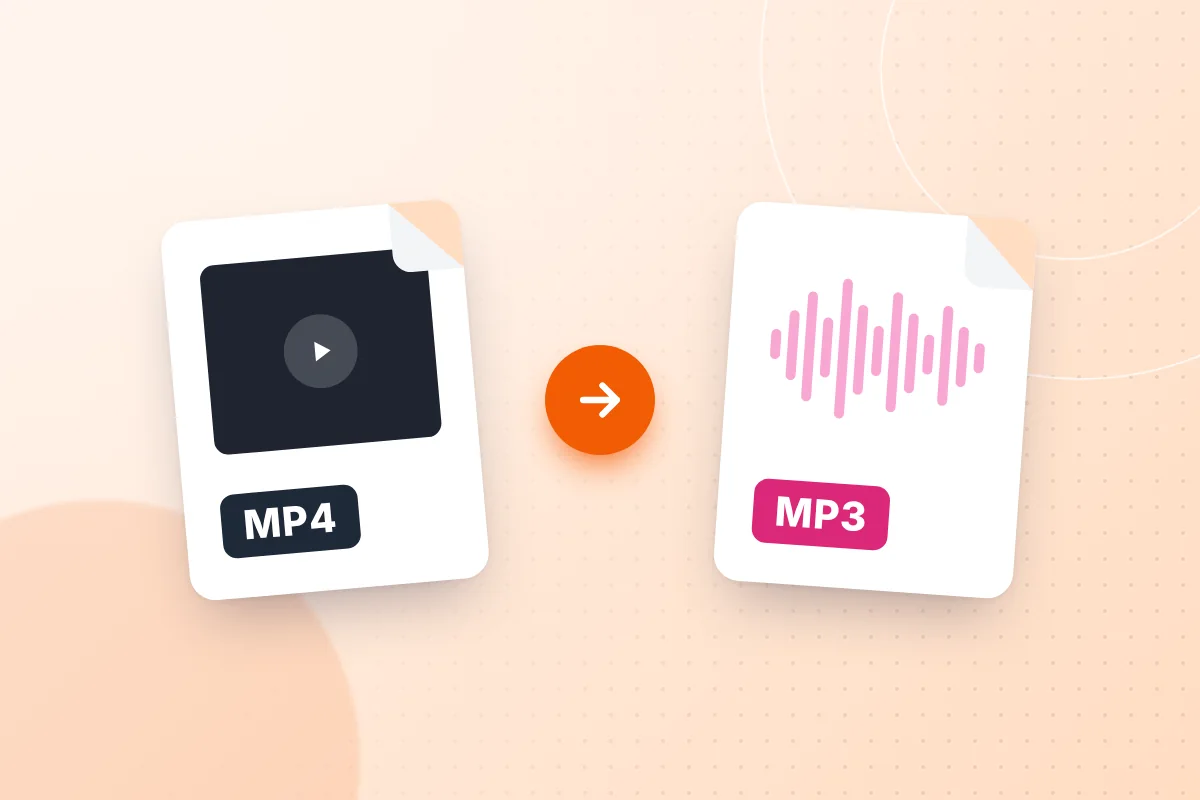
MP4 to MP3 keeps only the soundtrack of a video — a lecture, an interview, a podcast recorded on camera. Choose a bitrate from 96 to 320 kbps and download the MP3.
In this article
A recorded lecture you want to listen to on a walk, an interview filmed on a phone, a webinar you only need the sound of — keeping the audio and dropping the picture makes the file a fraction of the size and playable on anything.
How to convert MP4 to MP3 with PDFBrio
- Open MP4 to MP3 and drop one or more
.mp4files on the page. - Choose a Bitrate:
- 96–128 kbps for speech — lectures, meetings, podcasts.
- 192 kbps (default) for general use.
- 256–320 kbps for music.
- Press MP4 to MP3.
- Download the MP3 files.
Which bitrate do you need?
Bitrate is how much data is used per second of sound. Higher means better quality and bigger files. A one-hour recording is roughly 43 MB at 96 kbps and 86 MB at 192 kbps. For voice, 96 or 128 kbps sounds clear; for music, 192 kbps and up is worth it. Going higher than the original audio does not add quality.
MP3 or WAV?
MP3 is compressed and small — ideal for listening and sharing. WAV is uncompressed and large — what audio editors and some transcription services prefer. Use MP4 to WAV if you plan to edit the sound.
Other sources
- iPhone and Mac recordings: MOV to MP3.
- Web downloads: WebM to MP3.
- Any audio or video file: Audio converter.
Turning the recording into text
If what you really need is what was said, skip the MP3 and use Video to text to get a transcript, or convert to MP3 first and run Audio to text. See our guide to transcribing audio.
Respect copyright
Extracting audio from your own recordings, lectures you are allowed to keep, or freely licensed videos is fine. Downloading and converting copyrighted music or videos you do not have rights to is not.
Frequently asked questions
Can I convert several videos at once?
Yes. Drop them all in and download the MP3s together as a ZIP.
Can I cut a section of the audio?
Not with this tool. Trim the video on your phone or in a video editor first.
Does it work with MOV or MKV files?
Use MOV to MP3, MKV to MP3 or the Audio converter.