How to convert MOV to MP4
 PDFBrio team
Updated Nov 17, 20262 min read
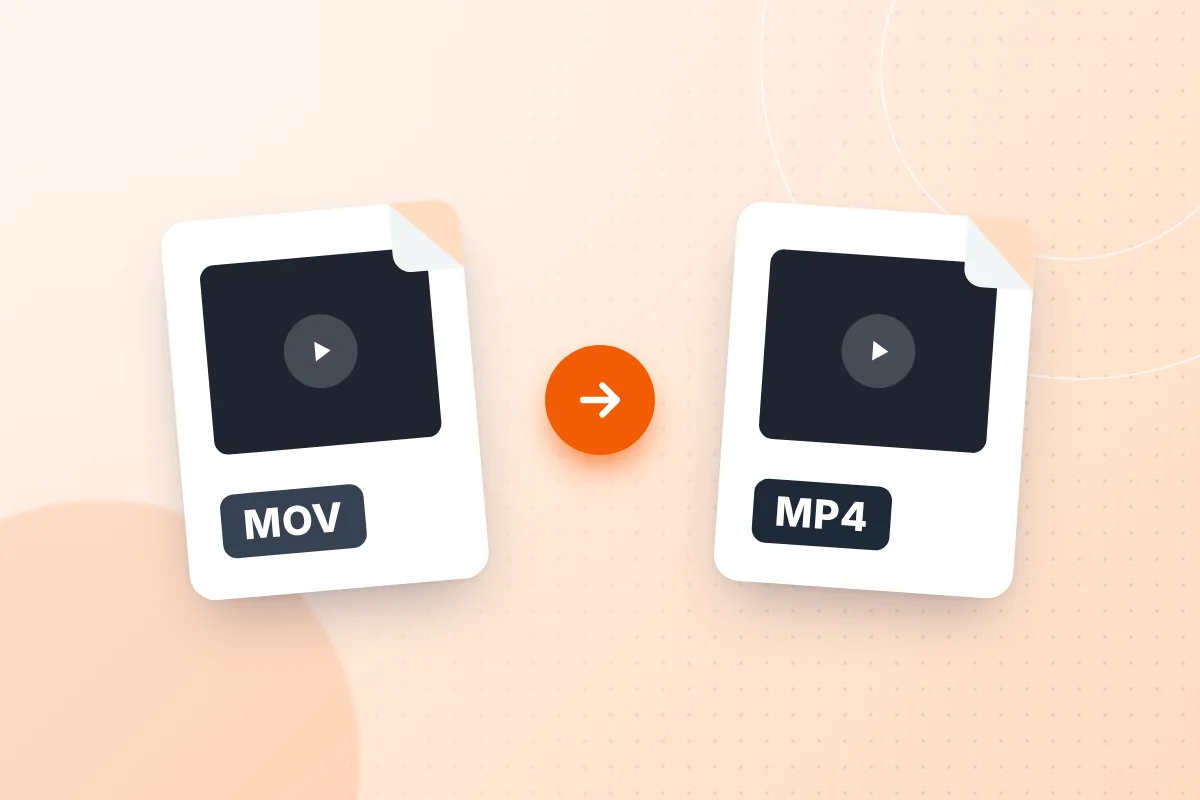
iPhones and Macs record MOV, which some Windows apps, websites and smart TVs refuse. MOV to MP4 converts it to the most widely supported video format, with an option to reduce the resolution.
In this article
A video from an iPhone or a Mac screen recording arrives as .mov. On Apple devices it plays perfectly; elsewhere — an older Windows PC, a website upload, a smart TV, a video editor — it may not. MP4 plays almost everywhere.
MOV and MP4 in short
Both are containers: they wrap video and audio streams that are compressed with a codec such as H.264 or HEVC. MOV is Apple's QuickTime container; MP4 is the international standard based on it. Converting MOV to MP4 mostly changes the wrapper — and, when needed, the video codec — so more devices can play it.
How to convert MOV to MP4 with PDFBrio
- Open MOV to MP4 and drop one or more
.movfiles on the page. - Optional: under Resolution, keep the original or choose 1080p, 720p or 480p to make the file smaller.
- Press MOV to MP4.
- Download the MP4.
Larger videos take longer to process; you can leave the page open while it works.
Making the video smaller
If the goal is sending the video by email or chat, lowering the resolution to 720p usually cuts the size dramatically while still looking fine on a phone. For more control, use Compress video — our guide on compressing videos explains the options.
Other conversions
- Video converter handles MP4, MOV, MKV, AVI and WebM in any direction.
- MOV to MP3 keeps only the sound — useful for a recorded talk or voice memo.
Converting on a Mac or iPhone
- Mac: open the video in QuickTime Player and choose File → Export As and a resolution. The exported file is still MOV but uses a widely supported codec; Apple's iMovie can export MP4 directly.
- iPhone: in Settings → Camera → Formats, choosing Most Compatible records new videos in H.264, which more devices can play.
Frequently asked questions
Does converting lose quality?
With "Keep original", the quality loss is negligible. Lowering the resolution reduces detail, which is the point when you need a smaller file.
How long does it take?
Roughly as long as the video plays, often less. Very long videos are better compressed first or trimmed on your phone.
Is audio kept?
Yes, the sound is converted along with the picture.