How to convert WebP to JPG or PNG
 PDFBrio team
Updated Nov 17, 20262 min read
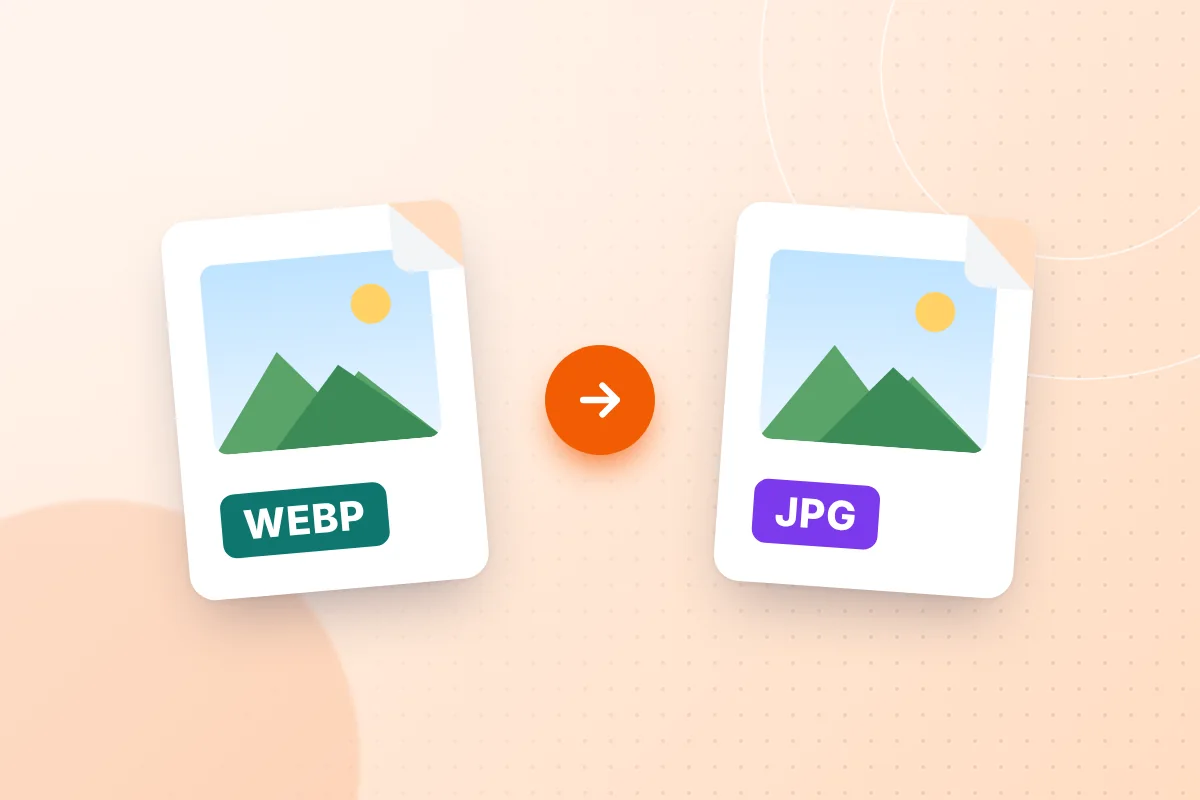
Images saved from websites are often WebP, which some editors, printers and upload forms do not accept. WebP to JPG (or WebP to PNG) converts them in one step.
In this article
Right-click "Save image as…" on a modern website and you will often end up with a .webp file. Browsers love WebP because it is small. Older photo editors, print shops and some online forms do not know what to do with it.
How to convert WebP to JPG with PDFBrio
- Open WebP to JPG and drop one or more
.webpfiles on the page. - Press WebP to JPG.
- Download the JPGs one by one or as a ZIP.
JPG or PNG?
- Choose JPG for photos. Transparent areas become white.
- Choose PNG for logos, icons, screenshots and anything with transparency — use WebP to PNG.
Why websites use WebP
WebP files are typically a quarter to a third smaller than JPGs of similar quality, so pages load faster. If you run a website yourself, convert the other way with JPG to WebP or PNG to WebP to speed it up.
Converting all sorts of images
The Image converter handles JPG, PNG, WebP, AVIF, GIF, TIFF and BMP in any direction, with a quality setting. iPhone photos in HEIC have their own tool: HEIC to JPG.
Converting without uploading
- Mac: open the WebP in Preview and choose File → Export, then pick JPEG or PNG.
- Windows: open the image in Paint and choose File → Save as → JPEG picture.
- Browser: some browser extensions add "Save image as JPG/PNG" to the right-click menu.
Respect image rights
Converting an image does not change who owns it. Images from websites are usually copyrighted; use them only if you have permission or the licence allows it.
Frequently asked questions
Does converting reduce quality?
Converting to JPG at the default quality is visually lossless. Converting to PNG is lossless but gives bigger files.
Can I convert animated WebP?
Animated WebP images are converted to a still image of the first frame.
Can I convert many files at once?
Yes — drop up to 30 at a time.