How to convert HEIC photos to JPG
 PDFBrio team
Updated Nov 17, 20262 min read
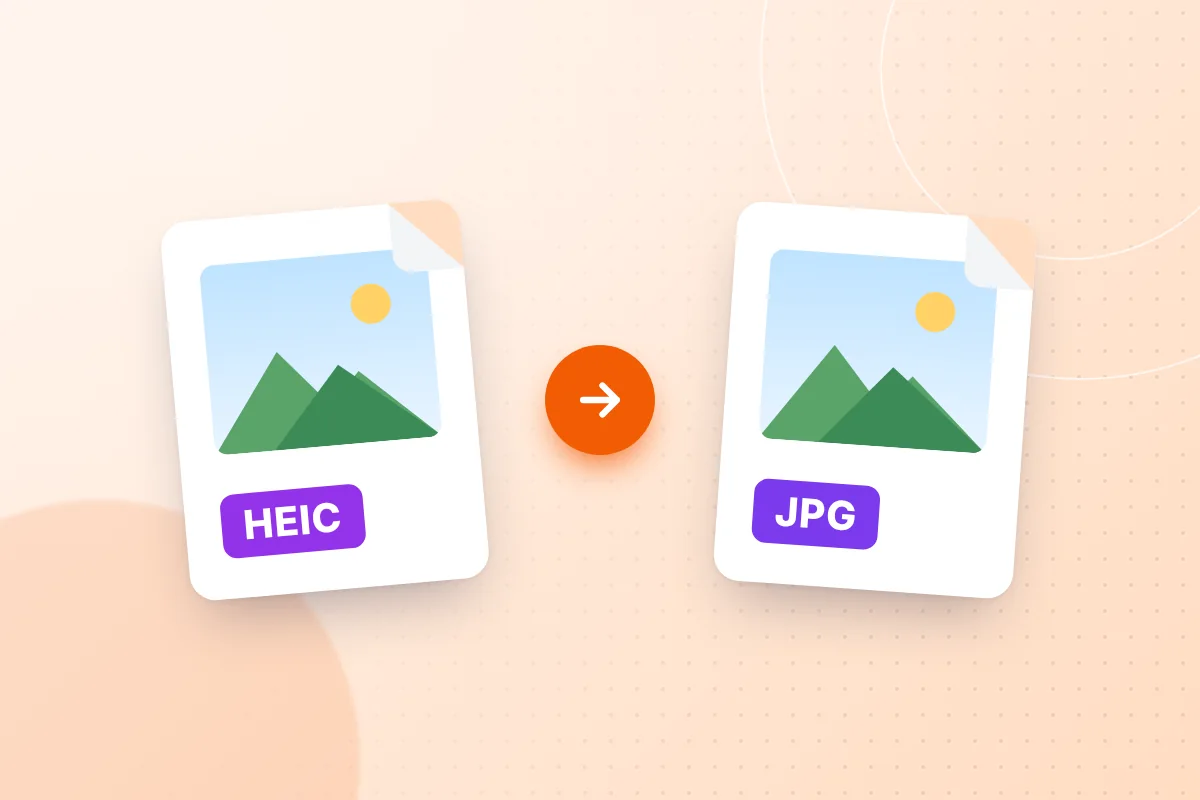
HEIC is the iPhone's default photo format and many websites and Windows apps cannot open it. Drop the files into HEIC to JPG and download JPGs that work everywhere.
In this article
You send photos from your iPhone to a computer and they arrive as .heic files that will not open, will not upload to a form and will not attach to a listing. HEIC is a perfectly good format — just not a universally supported one.
What is HEIC?
HEIC (High Efficiency Image Container) is the format iPhones and iPads have used by default since iOS 11. It stores photos at similar quality to JPG in roughly half the space. Apple's devices and recent versions of macOS handle it natively; older Windows PCs, many websites and plenty of apps do not.
How to convert HEIC to JPG with PDFBrio
- Open HEIC to JPG and drop one or many
.heicfiles on the page. - Optional: adjust Quality — 90 is visually lossless for most photos.
- Press HEIC to JPG.
- Download the JPGs one by one or as a ZIP.
Need transparency or sharper screenshots? HEIC to PNG is the alternative.
Stop your iPhone from creating HEIC files
If you rarely use Apple devices for viewing, you can switch the camera to JPG: open Settings → Camera → Formats and choose Most Compatible. New photos are saved as JPG; existing ones stay as they are.
There is also a middle ground: in Settings → Photos, under Transfer to Mac or PC, choose Automatic. The iPhone then converts photos to a compatible format when you transfer them to a computer by cable.
Converting HEIC on a Mac or Windows
- Mac: open the photo in Preview and choose File → Export, then pick JPEG. To convert many at once, select them in Finder, right-click and choose Quick Actions → Convert Image.
- Windows: the free HEIF Image Extensions from the Microsoft Store let the Photos app open HEIC files. From there you can save a copy as JPG, one photo at a time.
Frequently asked questions
Does converting HEIC to JPG reduce quality?
Very slightly, as JPG is less efficient. At quality 90 the difference is not visible in normal viewing. The JPG will be larger than the HEIC.
Are photo details like the date and location kept?
No. Camera details such as the date taken and GPS location are not copied into the JPG. That is good for privacy, but keep the originals if you rely on that information.
Can I turn HEIC photos into a PDF directly?
Yes — Image to PDF accepts HEIC files.