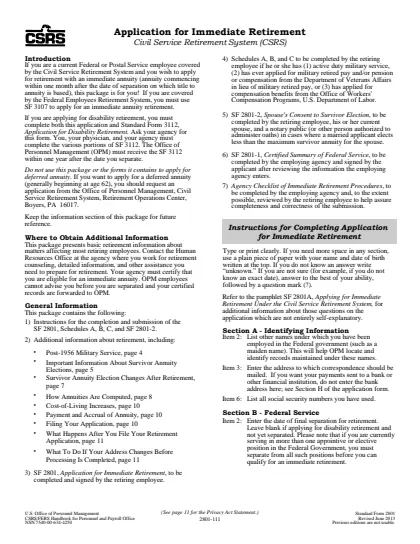
Form SF-2801
Application for Immediate Retirement (CSRS)
Application for Immediate Retirement (CSRS). An official U.S. Office of Personnel Management form you can fill in online and download as a PDF.
- 21 pages
- 451 fillable fields
- No watermark
This is the genuine U.S. Office of Personnel Management PDF, unmodified. Source: U.S. Office of Personnel Management.
Uploading…
Editing and processing are open to everyone. Downloading the result needs PDFBrio Pro: 7 days free, then $49.99 every 30 days until you cancel.
Processed on our own servers and deleted automatically after two hours.
What is SF-2801?
Form SF-2801, “Application for Immediate Retirement (CSRS)”, is an official form published by the U.S. Office of Personnel Management. It runs to 21 pages and has 451 fillable fields.
What the form asks for
- Identifying Information
- Federal Service
- Other Claim Information
- Insurance Information
- Section E, Marital Information
- Marital Information
- Annuity Election
- (Optional) Information About Your Unmarried Dependent Children
- Direct Deposit and Tax Withholding Information
- Applicant's Certification
Who uses SF-2801?
- People applying for or managing the benefit or record this form relates to
- Employers and representatives acting for them
How to fill out SF-2801
- 1Open the form in the editor, or use Quick fill to answer its fields one by one.
- 2Work through it in order; the form's own labels tell you what each box is for. Leave blank anything that does not apply.
- 3Check names, dates and identification numbers against your documents — these are the most common reasons a form is sent back.
- 4Add your signature if the form asks for one, then download the PDF. Check the agency's instructions for where to send it.
Quick fill SF-2801 on this page
These are the form's own fields, in page order. Fill in what you need — anything you leave blank stays fillable in any PDF reader. Nothing you type here is sent to the OPM.
Filling in the form…
Your SF-2801 is ready
Processed on our own servers, not by a third-party service, and deleted automatically after two hours.
Questions about SF-2801
Is this the official SF-2801?
Yes. It is the U.S. Office of Personnel Management's own PDF, stored unmodified. The same file is available free of charge from the agency.
Is my information sent to the agency?
No. Nothing you type here goes to the OPM. You download the completed form and file it yourself.
Can I save a half-finished form?
Download it at any point — blank fields stay fillable, so you can open the PDF again here or in any PDF reader and carry on.
About this copy
The file here is the U.S. Office of Personnel Management's own PDF. Agencies revise their forms from time to time, so before you file, check the U.S. Office of Personnel Management website for the latest revision and for where and how to send it.
PDFBrio is an independent service and is not affiliated with or endorsed by the U.S. Office of Personnel Management or any government agency. This form is available free of charge from the agency. Nothing here is legal, tax or immigration advice.