Form 1099-NEC
Nonemployee Compensation
Nonemployee Compensation. An official Internal Revenue Service form you can fill in online and download as a PDF.
- 6 pages
- 104 fillable fields
- No watermark
This is the genuine Internal Revenue Service PDF, unmodified. Source: Internal Revenue Service.
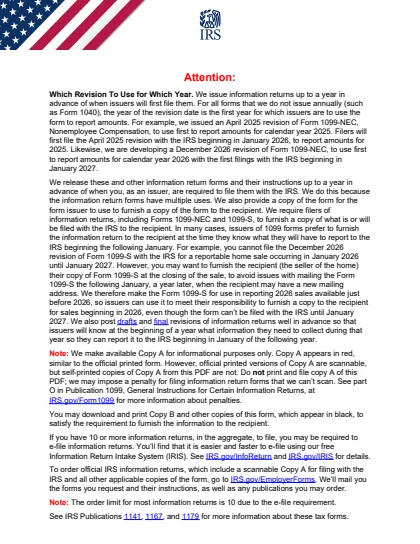
The IRS does not accept Copy A printed from a downloaded file for paper filing; use an official scannable copy or e-file. Recipient copies can be filled in and printed.
Uploading…
Editing and processing are open to everyone. Downloading the result needs PDFBrio Pro: 7 days free, then $49.99 every 30 days until you cancel.
Processed on our own servers and deleted automatically after two hours.
What is 1099-NEC?
Form 1099-NEC reports payments made to non-employees — freelancers, contractors and other self-employed people — for services in the course of a business.
Who files 1099-NEC?
- Businesses that paid a contractor above the reporting threshold during the year
- Contractors receive a copy and use it to report income
How to fill out 1099-NEC
- 1Enter the payer's and recipient's names, addresses and taxpayer identification numbers.
- 2Put the total paid for services in box 1.
- 3Enter any federal or state tax withheld.
- 4Send the recipient their copy and file with the IRS by the deadline.
Quick fill 1099-NEC on this page
These are the form's own fields, in page order. Fill in what you need — anything you leave blank stays fillable in any PDF reader. Nothing you type here is sent to the IRS.
Filling in the form…
Your 1099-NEC is ready
Processed on our own servers, not by a third-party service, and deleted automatically after two hours.
Questions about 1099-NEC
How do I get the contractor's TIN?
Ask for a completed Form W-9 before you pay them.
Can I file a printed Copy A?
No. Copy A must be an official scannable form or be e-filed.
Is this the official 1099-NEC?
Yes. It is the Internal Revenue Service's own PDF, stored unmodified. The same file is available free of charge from the agency.
Is my information sent to the agency?
No. Nothing you type here goes to the IRS. You download the completed form and file it yourself.
Can I save a half-finished form?
Download it at any point — blank fields stay fillable, so you can open the PDF again here or in any PDF reader and carry on.
About this copy
The file here is the Internal Revenue Service's own PDF. Agencies revise their forms from time to time, so before you file, check the Internal Revenue Service website for the latest revision and for where and how to send it.
PDFBrio is an independent service and is not affiliated with or endorsed by the Internal Revenue Service or any government agency. This form is available free of charge from the agency. Nothing here is legal, tax or immigration advice.