Electronic signatures in plain language
 PDFBrio team
Updated Oct 27, 20262 min read
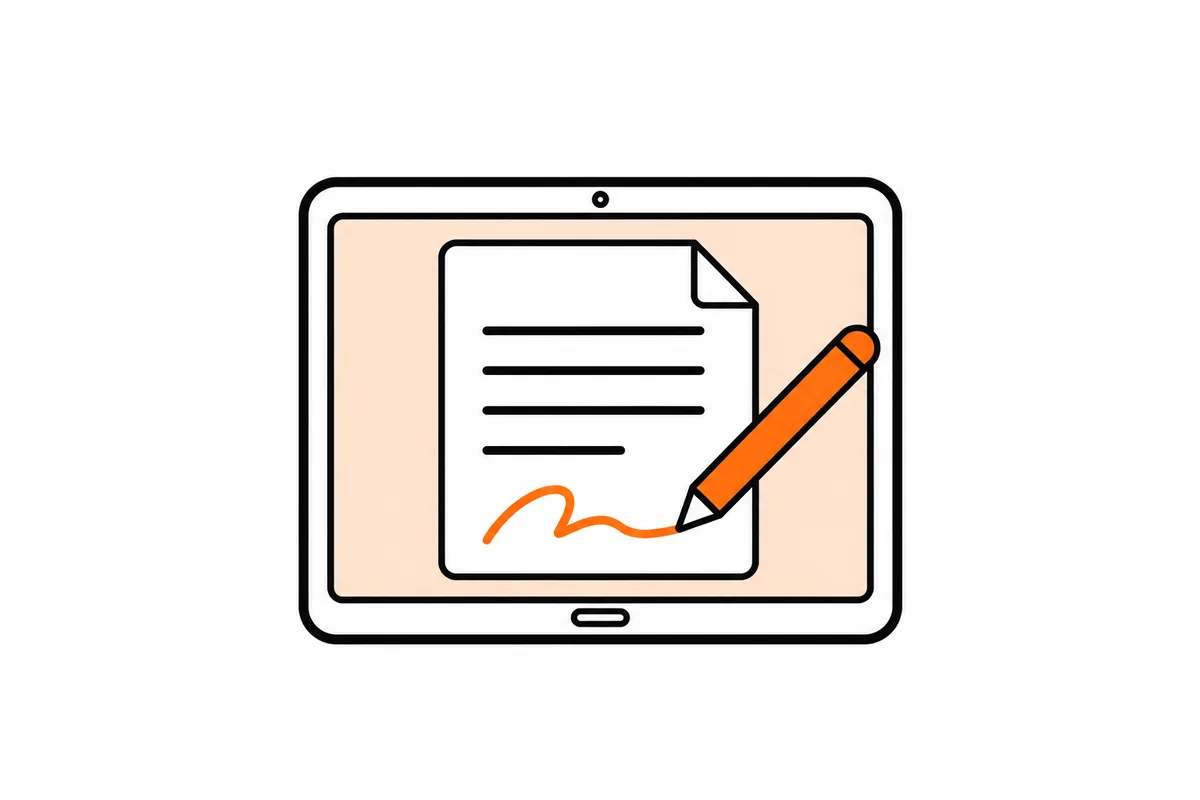
What it means to "sign a PDF" online, what the three levels of e-signature are, and when a simple one is enough.
In this article
"Just sign and send it back" used to mean print, pen, scan. Today it usually means placing a signature on a PDF. Whether that is good enough depends on what you are signing.
The simple electronic signature
Drawing your signature, typing your name or dropping in an image of your signature are all simple electronic signatures. In many countries they are legally valid for everyday agreements: quotes, order forms, permission slips, internal approvals, many employment and rental paperwork.
What a simple signature does not do by itself is prove who signed. If there is ever a dispute, the surrounding evidence matters — the email thread, who sent what and when.
Advanced and qualified signatures
Some documents need more. In the EU, for example, the rules distinguish three levels:
- Simple — what is described above.
- Advanced — uniquely linked to the signer and able to show whether the document was changed afterwards.
- Qualified — an advanced signature created with a certified device and a certificate from an approved provider. It has the same legal effect as a handwritten signature.
Other countries have their own frameworks, and some kinds of document — property transfers, wills, certain filings with authorities — may require a specific form or cannot be signed electronically at all.
A sensible rule of thumb
- Ask the recipient what they accept. It is the fastest way to avoid signing twice.
- For routine paperwork, a simple signature on the PDF is normally fine.
- For anything high-value or regulated, check the legal requirement first.
This article is general information, not legal advice.